Election Commission of India has provided the Voter Helpline Mobile app to check your voter booth details.
How to Find Voter Booth Details with the Voter Helpline Mobile app?
Step 1: Download the Voter Helpline app from the Google Play Store: https://play.google.com/store/apps/details?id=com.eci.citizen
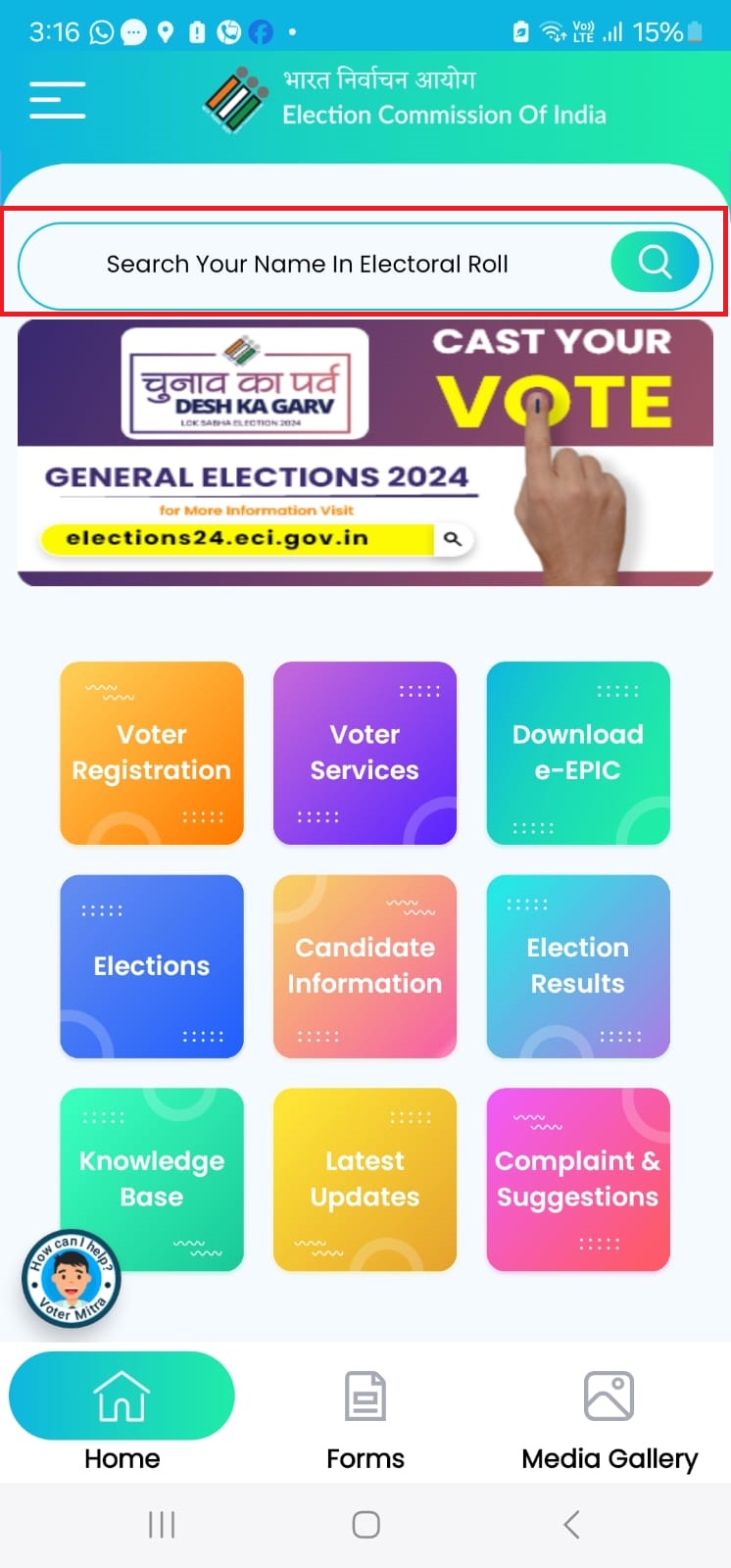
Step 2: Open the Voter Helpline App and click on “Search your Name in Electoral Roll” search box at the top (refer below screenshot)
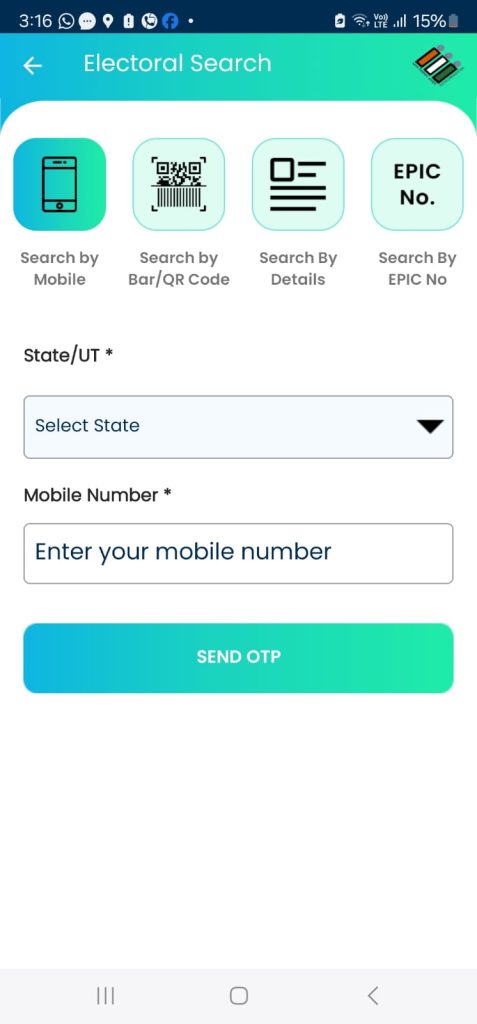
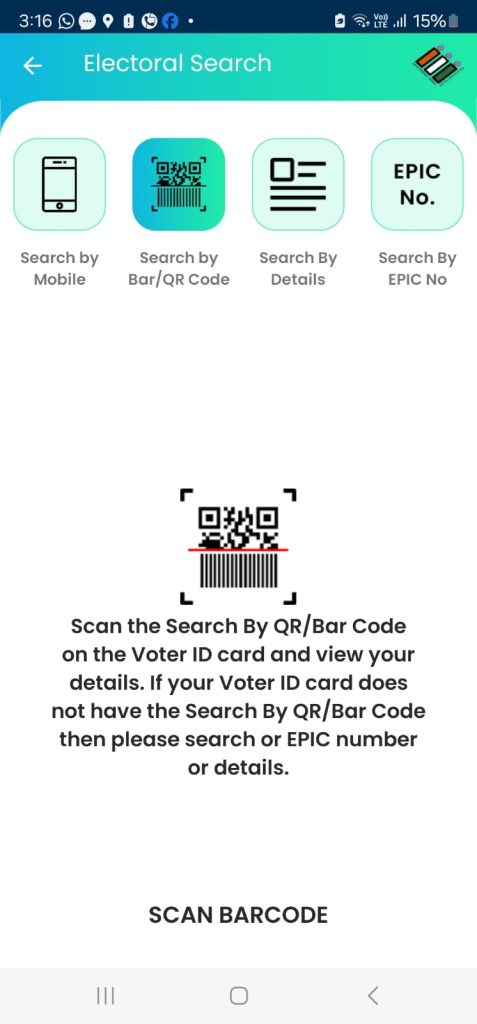
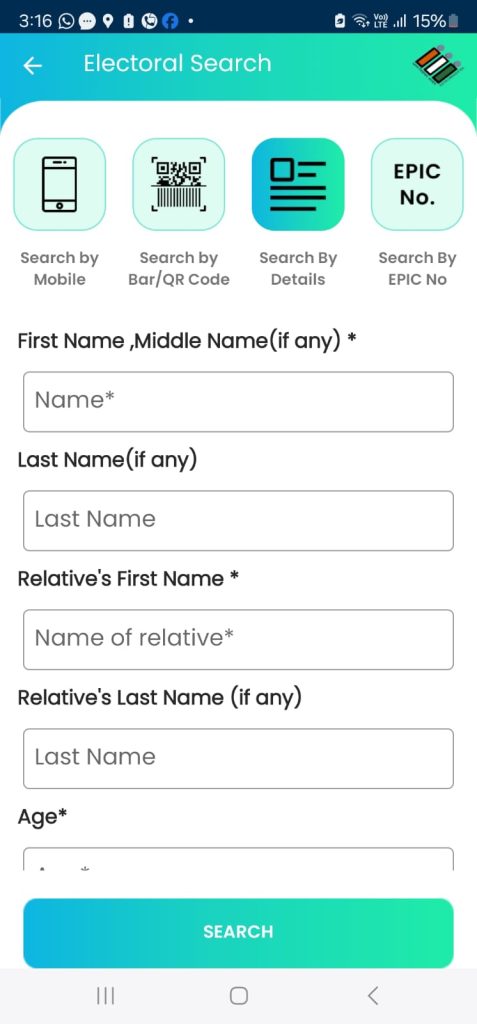
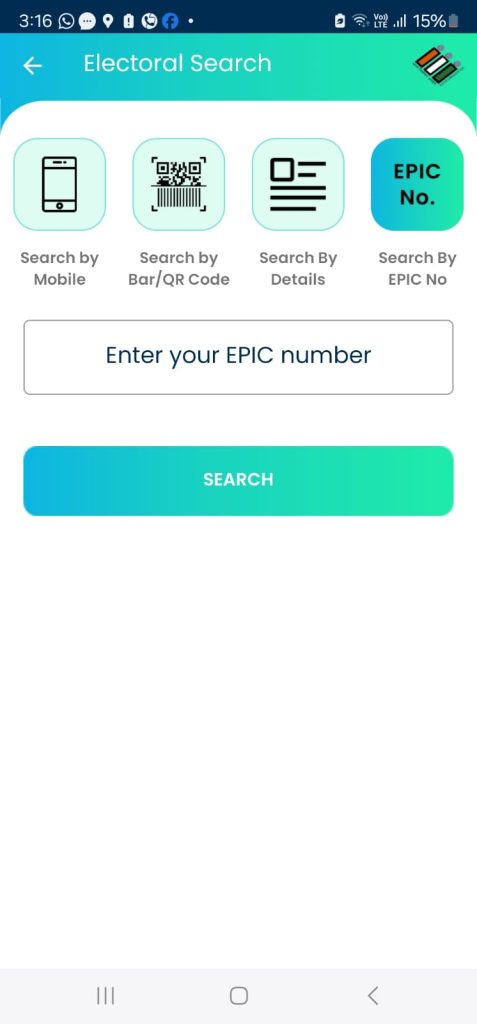
Step 3: There are four options to search the name in Electoral Roll
- Search by mobile number (if you have already signed up for the app)
- Search by Bar / QR code (You can scan the Bar code on the Voter Id)
- Search by details (Name, constituency, etc)
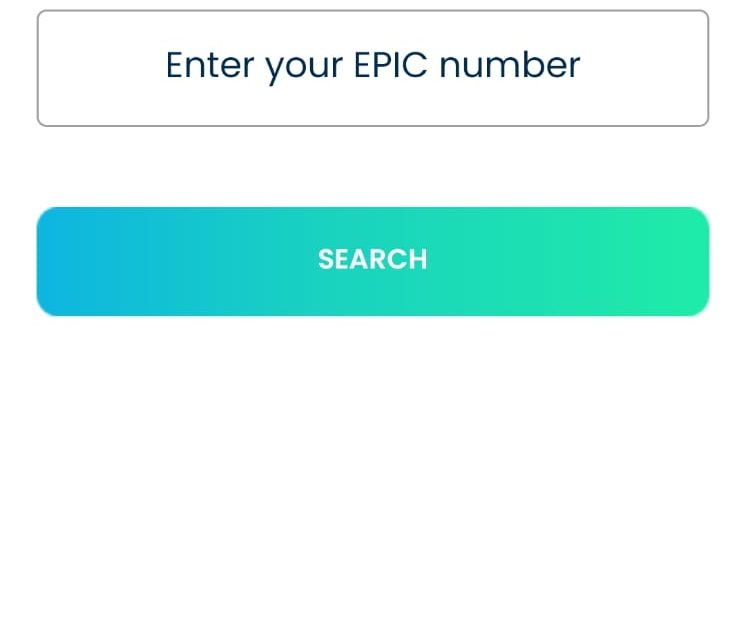
- Search by EPIC NO (Voter ID number)