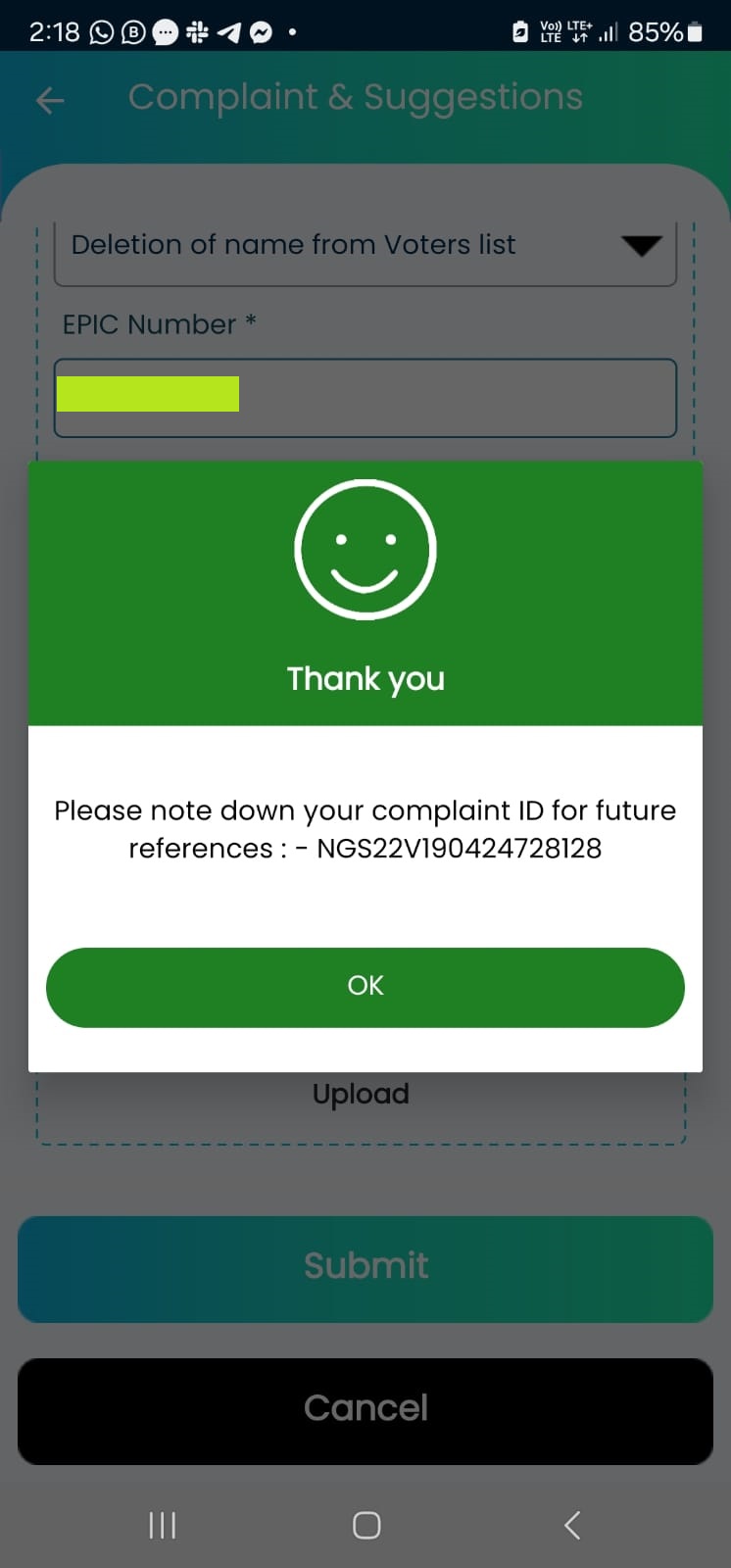
For some unknown reason, my name is removed from the Voter’s list despite residing at same address as the Voter ID card and despite voting with same credentials in the past State elections in 2021. After much struggle, had to come back empty handed without voting. Anyway, I have registered a complaint to ECI and have asked them for a reason to why my name is not on the electoral list. Here is a quick guide for others who might be facing a similar issue.
Is your name missing in the electoral roll? Complain to ECI regarding the name omission from the voter list using the Voter Helpline app from Election commission of India. Once complaint is registered, you will receive a tracking number on the app and sms. Note it down and follow up to get the name included in voter list for upcoming elections. Here’s the step by step process.
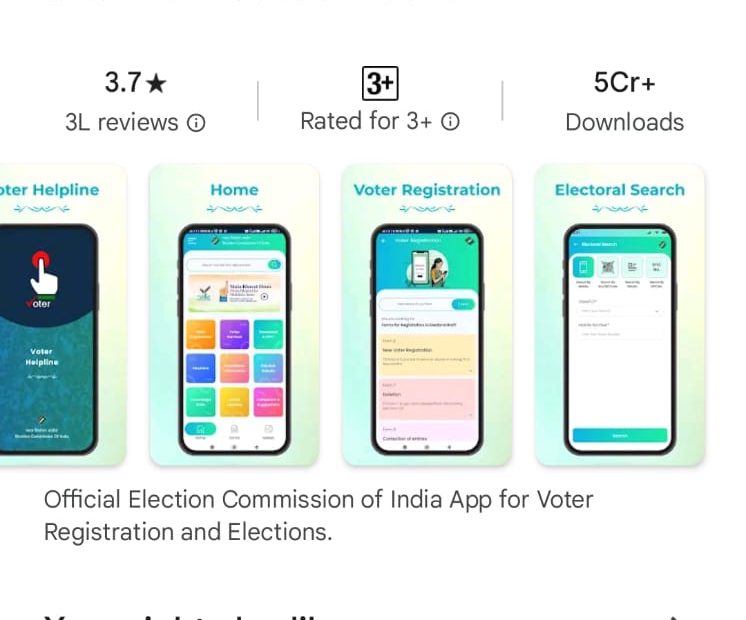
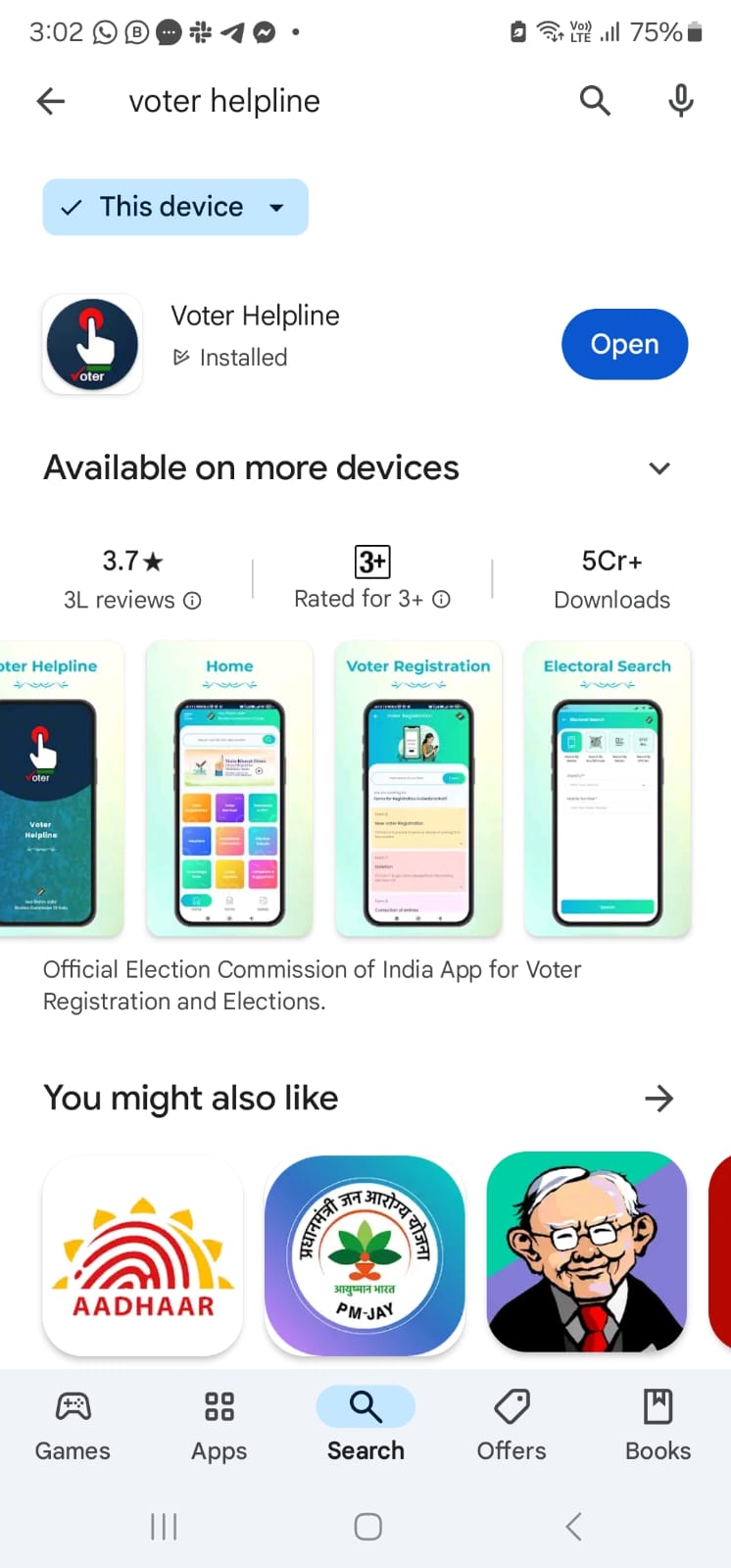
Step 1: Download the Voter Helpline App from Google Play store: https://play.google.com/store/apps/details?id=com.eci.citizen&hl=en_US&pli=1
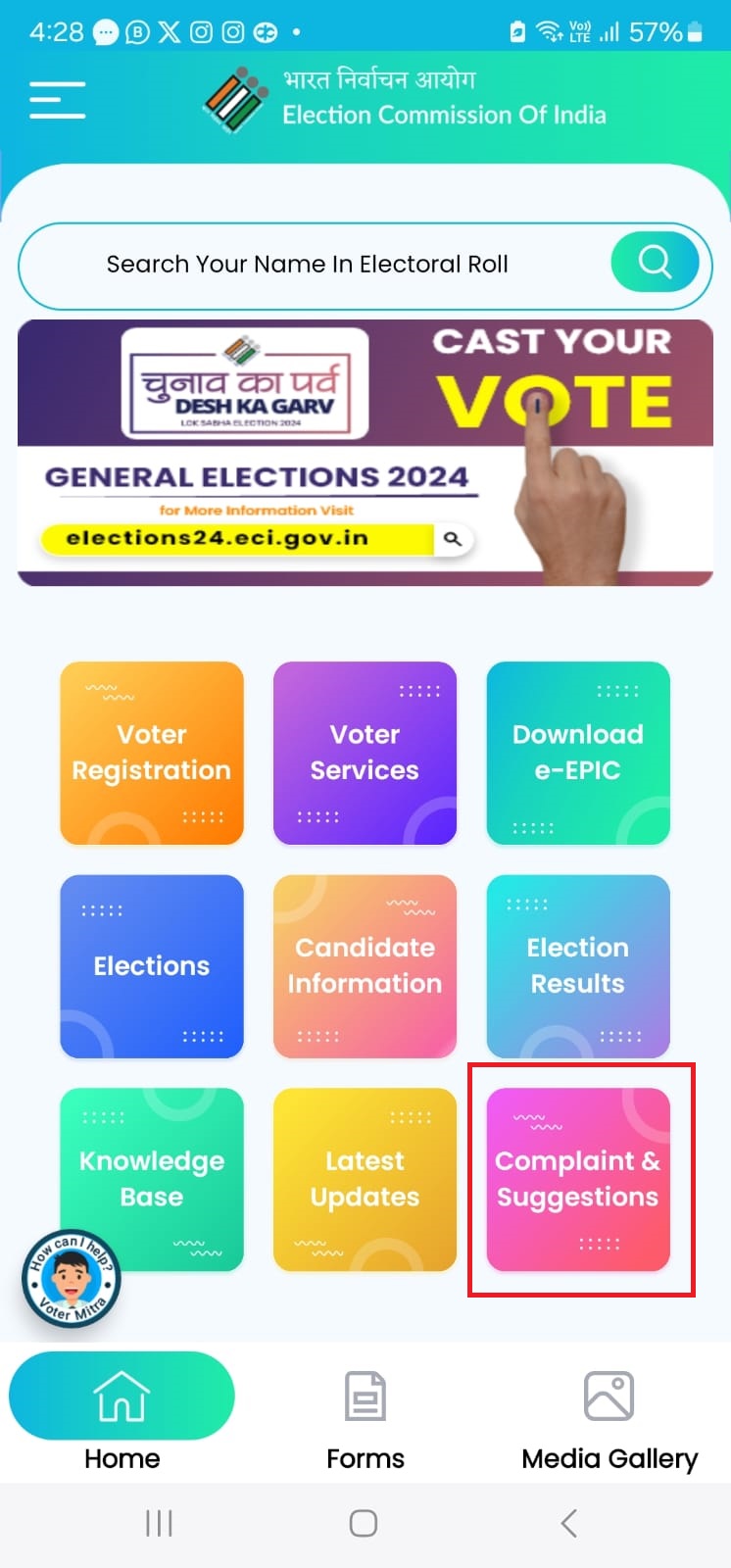
Step 2: Once installed, open the app and signup with your phone number, create a password, enter OTP received on SMS. You will be shown the app dashboard. Select the “Complaints and Suggestions” icon on the app
Step 3: Enter your details. Select your State, District, Constituency from drop down and enter your Voter ID number (EPIC), name as per the voter ID of the complainant (you).
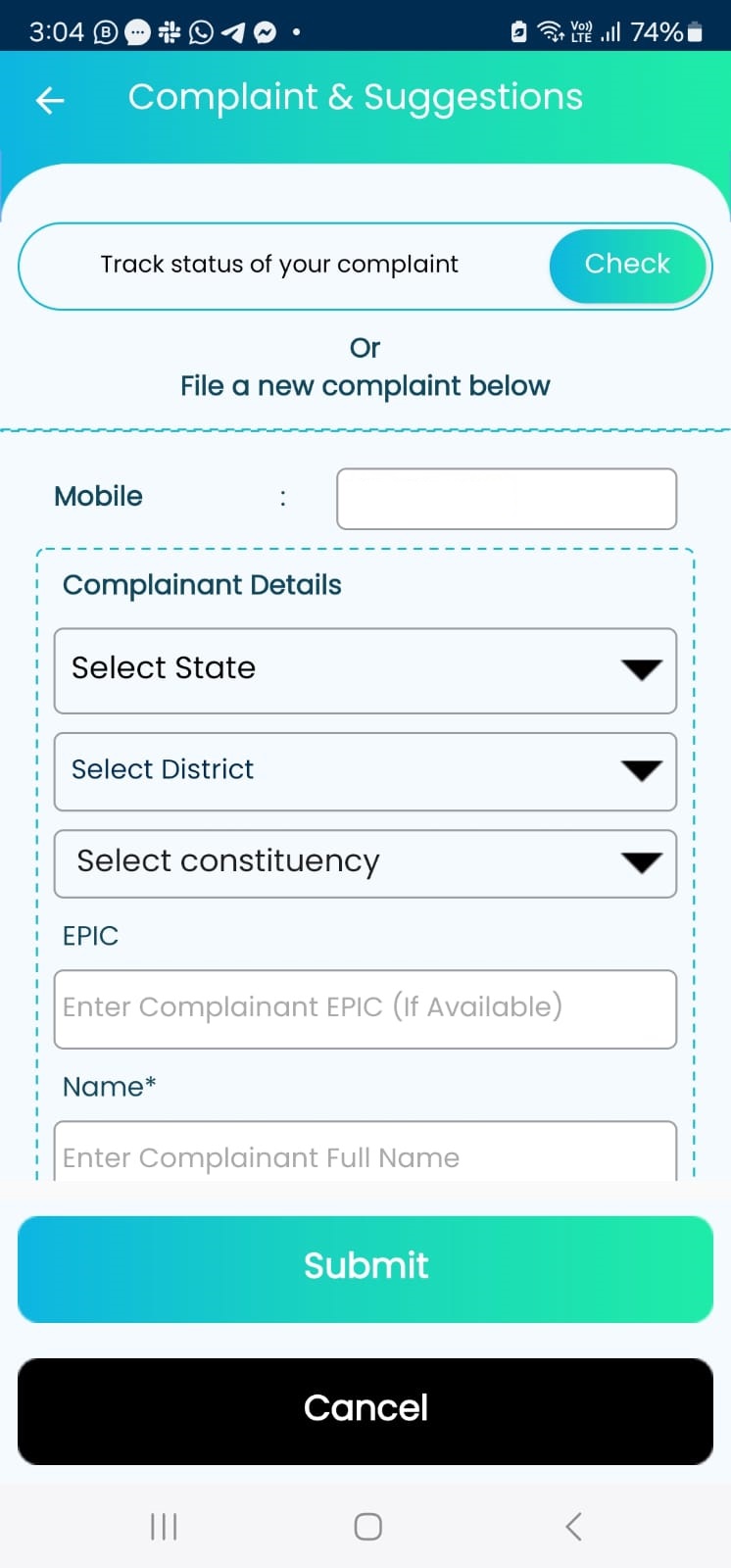
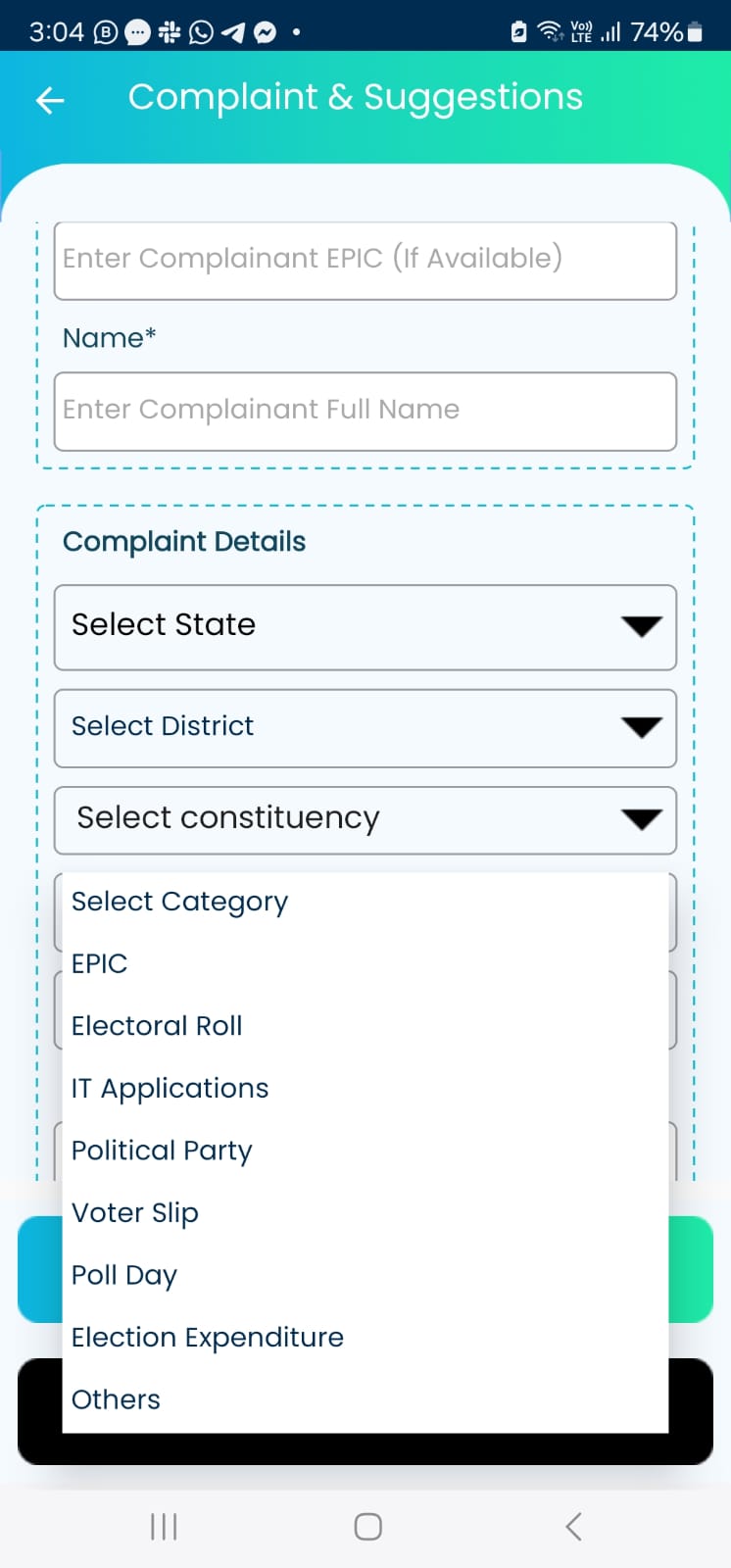
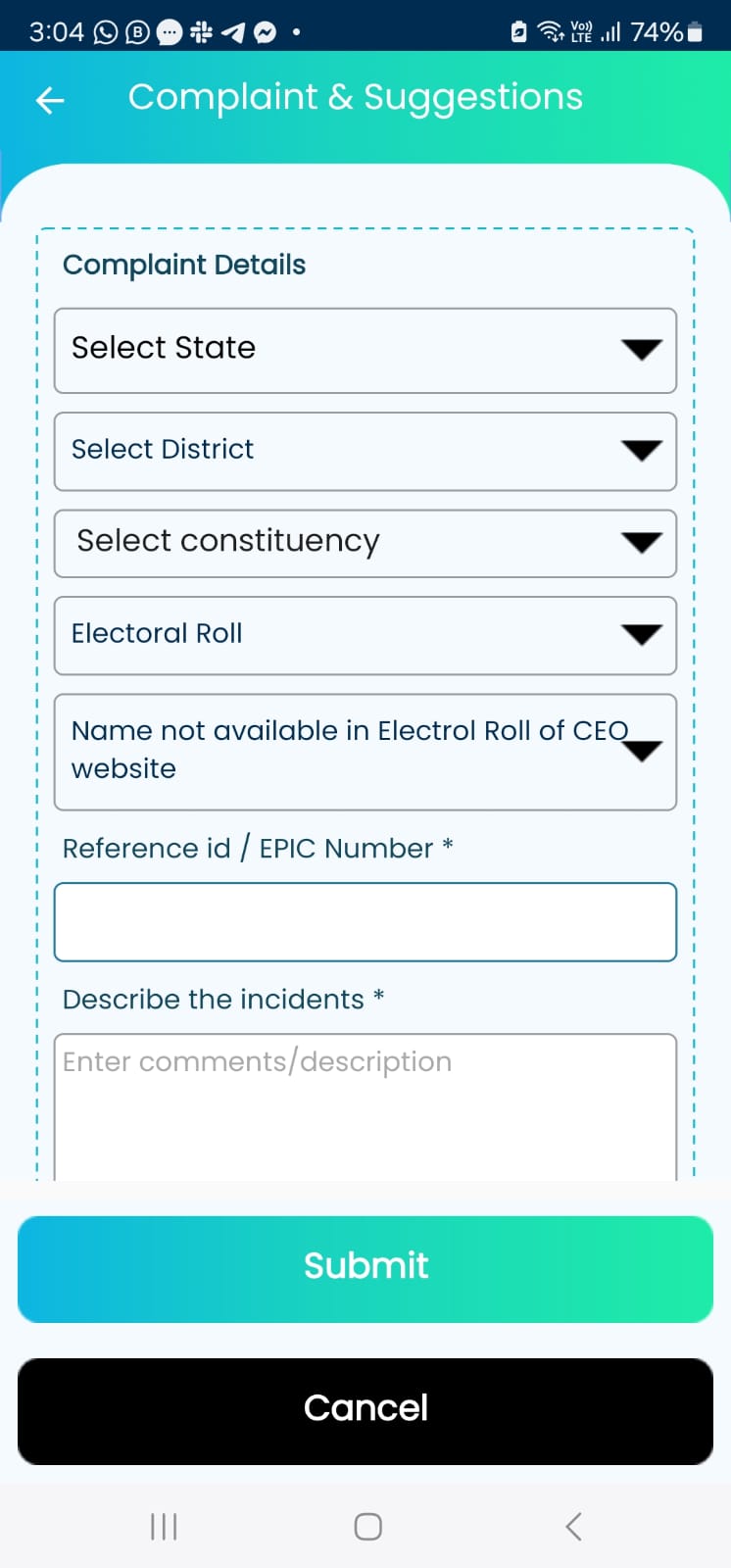
Step 4: And again in the Complaint section, select the State, District, Constituency and Category as “Electoral Roll” , Sub Category as “Name not available in Electoral Roll”, EPIC number and describe the problem.
Step 5: Take a screenshot of your complaint number for future reference. It will also be available under the “Track Status of your complaint” section.